


KidloLand Kids & Toddler Games
4.61.17K Reviews
App Specs
- Version
- Varies with Device
- Updated On
- License
- Free
- Downloads
- 10,000,000+
- Developer
- IDZ Digital Private Limited
- Categories
- Educational
- Platform
- Android
Screenshots
 Analysis by AppCompare
So, I recently got my hands on KidloLand Kids & Toddler Games, and let me tell you, it’s like having a mini pre-school right in your pocket. If you’re a parent looking for a way to keep your little one entertained while also sneaking in some learning, this app might just be your new best friend.
Start with a small, supervised test
My first practical suggestion is to try the game with your child beside you rather than handing over the device and walking away. That lets you see which activities hold their attention, whether they can move between choices comfortably, and how much help they need. For a toddler who is still learning to tap accurately, a large collection can feel exciting but also a little overwhelming. A short session gives you a clearer sense of whether the colorful format suits your child before you build it into a routine.
KidloLand is an educational game from IDZ Digital Private Limited, aimed at young children and rated Everyone. It is free to start, with in-app purchases ranging from $1.99 to $59.99 per item. That makes it sensible to check the purchase settings on the device before a child explores independently. I would treat the free entry point as a chance to judge the fit, not as a promise that every activity is included without payment.
When a child seems stuck
With a preschool game, a child’s pause does not always mean the app has stopped working. They may be deciding what to tap, repeating a familiar song, or simply losing interest in that activity. I’d first watch what is happening on screen and ask the child to show me what they want to do, rather than immediately restarting the app. If the same screen remains unresponsive, closing and reopening the game is a reasonable basic step; it also helps separate a temporary hiccup from a navigation problem.
Age matters as much as the activity. The game is aimed at preschoolers, but children within that broad stage can have very different patience, coordination, and early learning skills. I would not judge success by whether a child finishes an activity or remembers a lesson after one sitting. The more useful test is whether they are curious enough to return, and whether an adult can turn a song, letter, or picture into a small conversation away from the screen.
A World of Fun and Learning
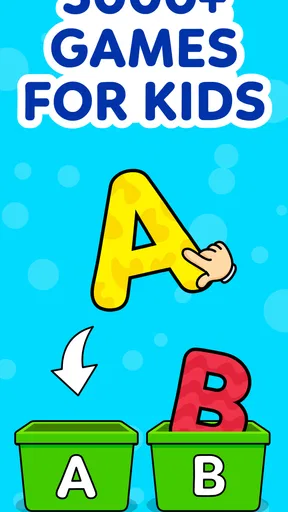
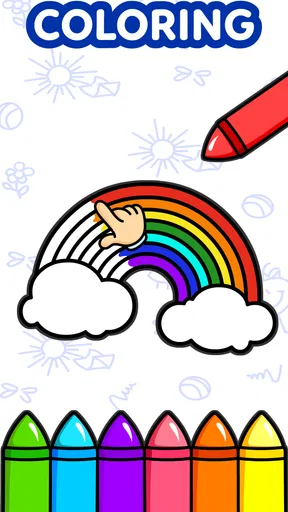
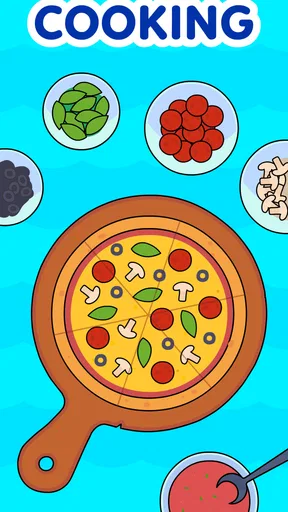
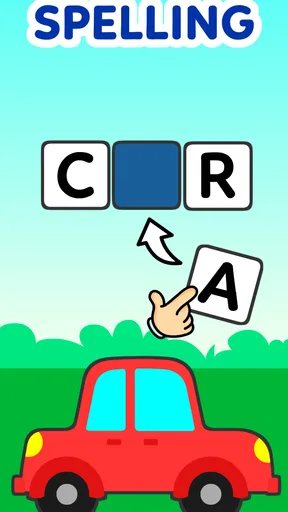
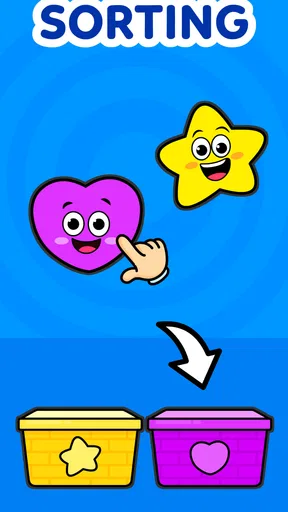
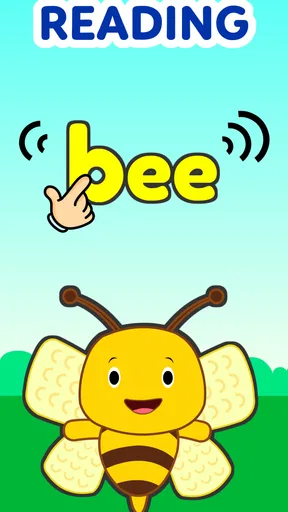
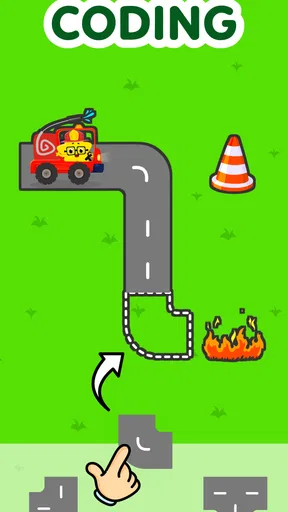
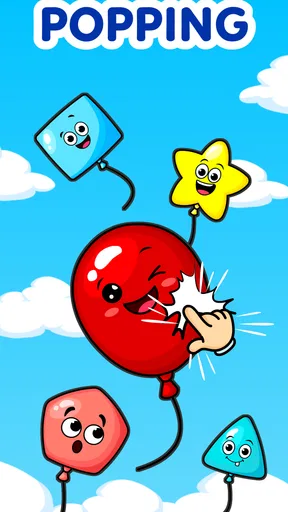
First off, KidloLand Kids & Toddler Games is packed with an impressive variety of activities. We’re talking over 2,000 games, songs, stories, and activities. Yeah, you read that right. It’s like Netflix for toddlers but with more colors and less screen time guilt. The app covers everything from alphabet adventures to number games, and even some nifty nursery rhymes.
User-Friendly Interface
One thing I really appreciate about this app is how easy it is to navigate. Even if you have a tech-challenged toddler, they’ll be able to find their way around without sending you a million notifications. The bright colors and intuitive design make it super engaging for the kids, and, honestly, I found myself getting a bit hooked, too.
Worth Reading Before You Choose

Flipboard Shows What News Apps Must Do Beyond the Feed

Switching to Android Auto Means Rethinking Your Driving Routine

Google Calendar Makes a Crowded Week Easier to Manage

Ludo King Makes the Most of the Minutes Between Plans

Baby Panda World Brings Quick Play to Modern Phones, but Its Game Library Feels Busy

ESPN’s Live Game View Makes Following Close Games Easier
Learning Through Play
What’s really cool about KidloLand is how it seamlessly blends learning with play. The app uses interactive animations and catchy tunes to keep kids engaged while teaching them basic concepts like shapes, colors, and phonics. I caught my little one singing along to the ABC song, and I swear, it was the cutest thing ever.
A Treasure Trove of Content
The content is updated regularly, so your kids are always getting fresh material to explore. This keeps the app from getting stale, and it’s a lifesaver on those long car rides or when you just need a moment to yourself. The variety also ensures that kids can keep finding new favorites, so boredom is never an issue.
Make the variety manageable
More choice is useful when a child’s interests shift quickly, but it can make choosing the next activity the main event. I’ve found it helps to offer a simple choice—such as a song or a number activity—rather than asking a toddler to browse the whole app. That keeps the session purposeful without turning it into a lesson plan. You can also use a favorite activity as a gentle transition: one short game before getting dressed, for example, is easier to end than an open-ended session with no stopping point.
For a realistic everyday use, I’d save the app for a predictable window such as waiting at an appointment or settling in after a busy outing, rather than using it as the default answer to every quiet moment. A parent can sit nearby, sing along, and then connect a screen activity to something tangible: count a few toys after a number game, or spot a color in the room after a color activity. That small follow-through is where the educational angle feels most useful to me, while keeping the app from becoming a substitute for conversation or hands-on play.
Safety and purchase checks
The game’s Everyone age rating makes it broadly suitable for family use, but I would still keep a young child within reach of an adult. The rating is not a replacement for supervision, especially when purchases are available. I recommend checking the device’s purchase protections before handing it over and reviewing what your child can open. This is a practical precaution, not a reason to assume the game is unsafe; it simply prevents an enthusiastic tap from becoming an unwanted transaction.
Parents may also wonder whether the free download means the full collection is free. It does not: the app is free to start and offers in-app purchases, so I would explore the available activities first and decide whether the paid options are worth it for your household. The listed purchase range runs from $1.99 to $59.99 per item, which is a wide spread. That makes checking the specific offer on the purchase screen more useful than guessing from the starting price.
Safe and Sound
As a parent, safety is a top priority, and KidloLand doesn’t disappoint. The app is ad-free, which is a huge relief. Plus, it’s designed to be kid-safe, so you don’t have to worry about your child stumbling onto anything inappropriate. The parental controls are a nice touch, giving you the ability to manage what your child accesses.
Offline Access
One of the standout features for me is the offline access. You can download content so your kids can play without needing an internet connection. This is perfect for when you’re out and about, or if you’re trying to conserve data. It’s these thoughtful features that really make the app shine.
Preparing for a trip or a patchy connection
If you plan to rely on offline access, I would prepare at home rather than waiting until you are already in a car or somewhere with weak service. Open the app while connected and download the material you want to use; then check that it is available before leaving. That simple test avoids the common disappointment of expecting something to work offline before it has been prepared. It also gives you a chance to keep the trip selection small, instead of letting a child browse endlessly while you are trying to travel.
Offline play is handy, but it is not a replacement for checking the app in the conditions where you need it. If something fails to load, first make sure the content was downloaded while connected and that the device itself is behaving normally. If the issue continues, reconnect when convenient and try again later. I would not use a last-minute troubleshooting session as the moment to decide whether the app is a good fit for a long journey.
Subscription Model
Now, let’s talk about the subscription. Yes, KidloLand is a subscription-based app, which might be a dealbreaker for some. However, considering the wealth of content and the regular updates, I’d say it’s worth the investment. There’s a free trial available, so you can test the waters before diving in.
How it compares with other preschool choices
Compared with a single-purpose alphabet or counting game, KidloLand’s main appeal is breadth: a child can move among songs, stories, and early-learning activities without switching to a different app. That variety can be a better match for families whose preschooler’s interest changes from day to day. The trade-off is that a focused app may offer a simpler path when you want practice with one specific skill and fewer choices. I’d choose KidloLand for mixed, playful sessions; for targeted practice, I’d look for a more narrowly focused activity and use it alongside conversation, books, or play with real objects.
The game has an average rating of 4.4 from around 41,000 ratings, and it has passed 10 million installs. Those figures suggest it has reached many families, but popularity cannot tell you whether its style will suit your child. It was released on April 19, 2013, and the strongest reason to try it is still the practical fit: does your child enjoy returning to its preschool activities, and can you manage the choices and purchase prompts comfortably?
When the app may not be the issue
If an activity is slow or the screen does not respond, I would avoid assuming straight away that the game itself is at fault. Check that the device has enough charge, close other demanding apps if the device feels sluggish, and make sure the connection is available when you are trying to reach material that has not been saved for offline use. A quick restart of the app is a sensible next step. These are ordinary checks, not a guarantee that every problem has the same cause.
It is also worth separating a technical problem from a mismatch in expectations. A child who taps around without following an activity may need an adult to demonstrate the first step, or may simply prefer songs and stories to a particular game. If the child repeatedly loses interest, I would change the activity or take a break rather than pushing through. The app is an option for playful learning, not a test of a child’s attention or progress.
Who will get the most from it
I think KidloLand is best suited to families who want one child-friendly place to sample several kinds of preschool content and who are comfortable supervising short sessions. It can be useful for a parent who wants a song during a wait, a playful letter activity at home, or a familiar distraction while traveling. It is less suitable for someone who wants a tightly structured teaching program, a single skill with a clear progression, or an entirely free collection with no purchase decisions. In those cases, a book, a simple focused game, or an offline activity may be the better choice.
Before making it part of your routine, I’d answer three questions for yourself: Does your child enjoy this style of interaction? Can you set a comfortable limit for when and how long it is used? Are you happy to review paid options rather than assume everything is included? If those answers are yes, the app’s variety may earn it a place in your family’s rotation. If not, trying a more focused alternative is a perfectly reasonable decision.
Final Thoughts
All in all, KidloLand Kids & Toddler Games is a fantastic app for parents looking to combine fun and education. It’s colorful, engaging, and offers a wide range of activities that are both entertaining and educational. While the subscription model might not be for everyone, the value it provides is undeniable. So, if you’re on the hunt for an app that will keep your little ones entertained while also giving them a head start on learning, KidloLand is definitely worth a look.
Pros
- Engaging educational games for kids.
- Colorful and interactive animations.
- Safe and ad-free environment.
- Variety of songs and stories.
- Offline access to content.
Cons
- Requires subscription for full access.
- Large app size may affect storage.
- Limited free content available.
- Navigation can be confusing for toddlers.
- Some content needs frequent updates.
FAQs for KidloLand Kids & Toddler Games
What age group is KidloLand Kids & Toddler Games suitable for?
KidloLand is designed for children aged 1 to 8 years. The app offers a wide range of educational games and activities that cater to toddlers and preschoolers, helping them develop essential skills such as counting, reading, and problem-solving in a fun and interactive way.
Is KidloLand available on both Android and iOS devices?
Yes, KidloLand Kids & Toddler Games is available for download on both Android and iOS platforms. You can easily find it on the Google Play Store for Android devices and the Apple App Store for iOS devices, ensuring compatibility with a wide range of smartphones and tablets.
Does KidloLand require an internet connection to play?
While KidloLand offers some offline content, many features and activities require an internet connection to access fully. It is recommended to have a stable internet connection to download additional content, updates, and to enjoy all aspects of the app seamlessly.
Are there any in-app purchases or subscriptions in KidloLand?
KidloLand offers both free content and a subscription model for additional features. While the free version includes a selection of games and activities, subscribing unlocks the full library of songs, stories, and interactive games. This subscription model supports ongoing content updates and enhancements.
How does KidloLand ensure safety and privacy for children?
KidloLand prioritizes child safety and privacy by not displaying third-party ads and adhering to COPPA (Children’s Online Privacy Protection Act) guidelines. Additionally, parental controls are available within the app to manage access to content and in-app purchases, ensuring a safe environment for children.


